









1. Studio Vektor
  2. Work
  3. Interactive eBooks

Interactive publishing portfolio · 21 live editions

Interactive eBooks, Digital Publications & Experiences Turn static content into something people want to explore.

Traditional PDFs are designed to be read. Interactive digital publications are designed to be experienced.

Studio Vektor transforms reports, research, white papers, buyer guides and marketing content into engaging digital experiences featuring interactive assessments, personalized reading paths, audio narration, quizzes, calculators, progress tracking, animations and other custom interactions.

These experiences make complex information easier to explore and give businesses more opportunities to engage their audiences. Every edition below is live: open one and try it.

From PDF to interactive edition. Same content, a completely different experience.

Pick a publication. On the left, the publisher’s original PDF. On the right, the interactive edition built from the same text and figures.

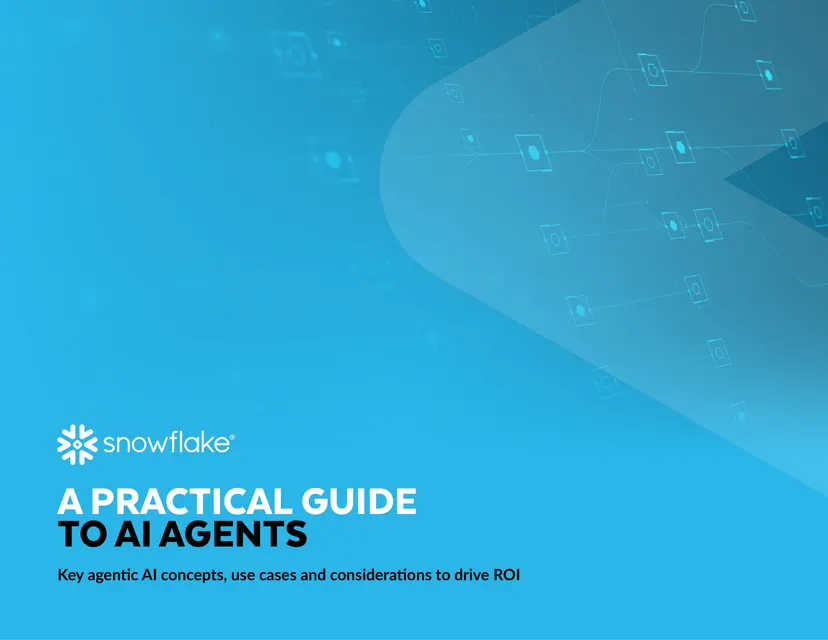
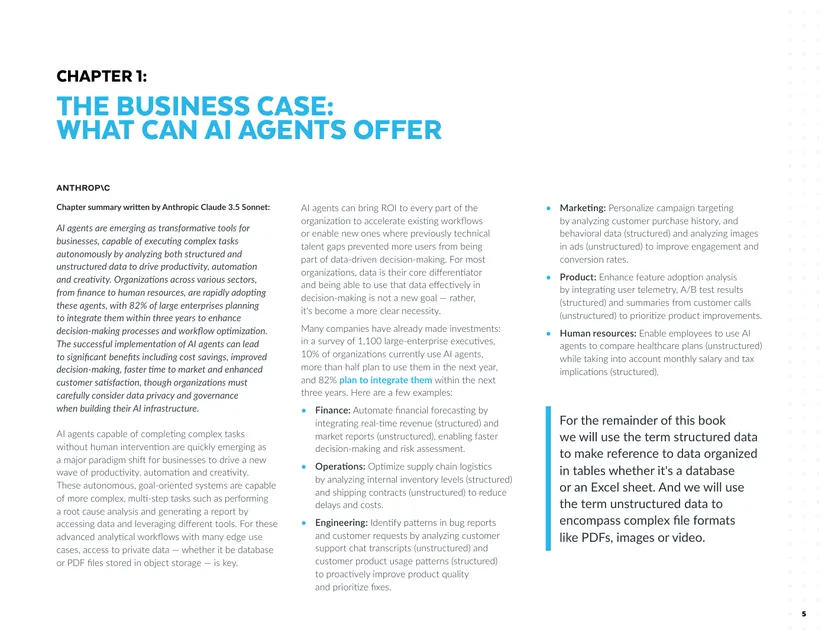
Original PDF cover of A Practical Guide to AI AgentsPage 5 of the original PDF: a static page of text
BeforeThe PDF21 static pages: scroll, zoom, download, and hope someone reads them.
AfterThe interactive edition
  • Live agent walkthrough
  • Read-along narration
  • Quick and deep-dive tracks
Open the interactive edition: A Practical Guide to AI Agents (opens in a new tab) ↗

Before: the publisher’s own PDF. After: the interactive edition Studio Vektor designed and built from it, with the same text and figures.

Showing all 21 interactive editions

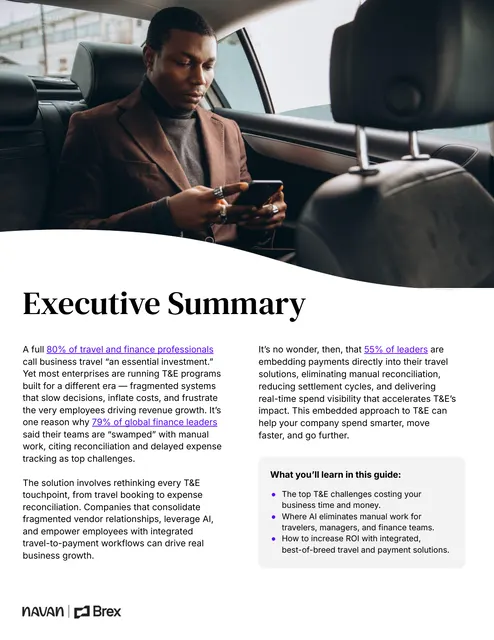
FeaturedOpening screen: “7 Strategies to Increase Your T&E Program ROI” beside a photo of a smiling woman on her phone, a Sydney trip card and Brex cards

01Brex × NavanInteractive edition

7 Strategies to Increase Your T&E Program ROI (opens the interactive edition in a new tab)

A travel-and-expense guide rebuilt so finance teams can try the numbers on their own program: seven strategies, six hands-on tools and a checkpoint quiz.

  • Finance
  • Business
  • ROI
  • 6 hands-on tools
  • Checkpoint quiz
  • Quick and deep-dive tracks
FeaturedOpening screen: dark blue title page for the Cvent and ON24 research report, with a 93% statistic

05Cvent × ON24Interactive edition

The State of AI in B2B Marketing in 2026 (opens the interactive edition in a new tab)

Research from 261 B2B marketers, rebuilt so readers can benchmark themselves, build a webinar campaign-in-a-box, audit their first-party data and run a nine-step self-check.

  • AI
  • B2B marketing
  • Research
  • Peer benchmarks
  • Campaign-in-a-box builder
  • Nine-step self-check
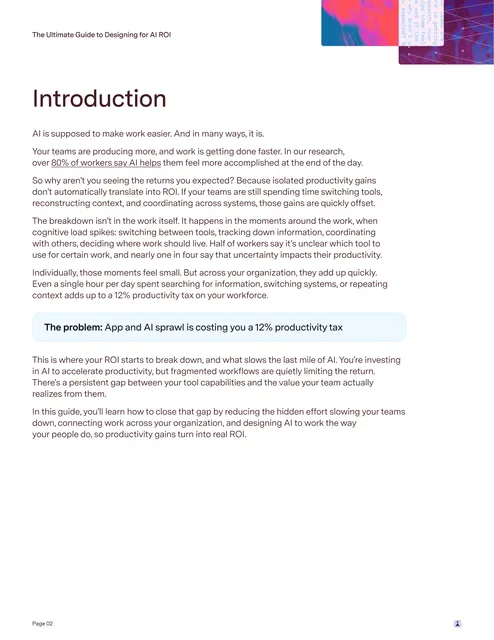
Opening screen: purple title page with a glitch-art panel beside the title

10SuperhumanInteractive edition

The Ultimate Guide to Designing for AI ROI (opens the interactive edition in a new tab)

A guide to turning AI productivity gains into real returns, with a productivity-tax calculator, an AI stack audit you can export and narration that tracks the text.

  • AI
  • Productivity
  • Productivity-tax calculator
  • Exportable stack audit
  • Synced narration
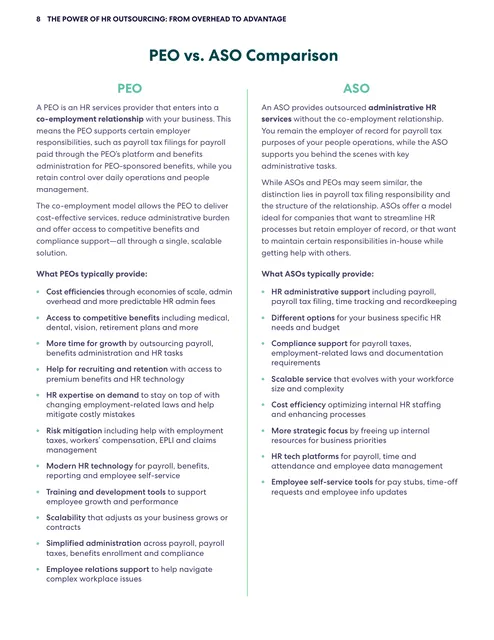
Opening screen: green title page reading “HR for growth” beside a growth-curve picker and a photo of a smiling businesswoman

16InsperityInteractive edition

HR for Growth: A Blueprint for Scaling Businesses (opens the interactive edition in a new tab)

A guide to scaling HR, rebuilt as a 12-floor blueprint: cost an in-house HR team, sort who does what with a PEO, surface hidden costs and finish with a plan built from your answers.

  • HR
  • Business
  • Growth
  • 12 interactive tools
  • Quick and deep tracks
  • Read-aloud introduction
Opening screen: dark title page with the Wiz logo, pink accents and an orbit diagram of MCP servers around a glowing “MCP” core

18WizInteractive edition

Inside MCP Security: A Research Guide on Emerging Risks (opens the interactive edition in a new tab)

Wiz’s research guide to Model Context Protocol security in five chapters and 12 interactives: trace where the risk lives, flag risky lines in server code, watch an attack chain play out and check five questions before you ship.

  • Security
  • AI
  • Research
  • Attack-chain simulation
  • Flag-the-risk code review
  • Quick and deep-dive tracks
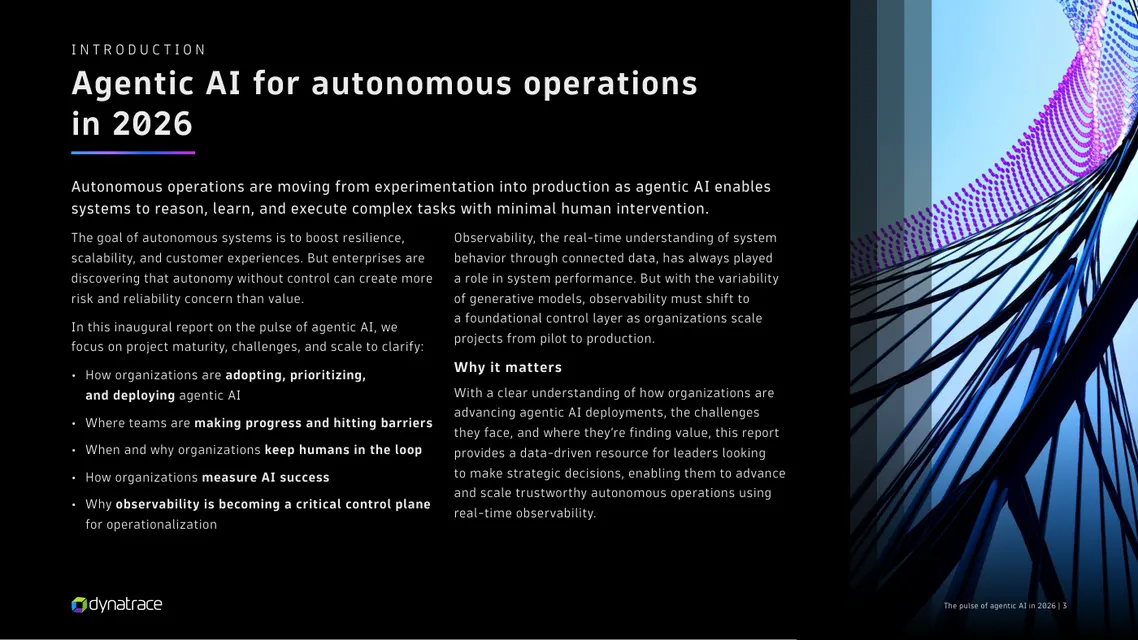
Opening screen: violet title page with the Datadog logo beside a live latency chart and its SLO line

19DatadogInteractive edition

AI Playbook for Engineering Leaders (opens the interactive edition in a new tab)

Datadog’s playbook for building reliable AI systems, with 12 interactives: set SLOs for an AI flow, settle a prompt argument with evidence, find your maturity stage and leave with a four-step plan you can share.

  • AI
  • Engineering
  • Observability
  • 12 interactives
  • Four-step plan builder
  • Maturity self-check
Opening screen: “Summer Business Spending Report” in yellow type over a blurred photo, with a yellow 2026 panel and a 55.7% statistic

20RampInteractive edition

Business Spending Report, Summer 2026 (opens the interactive edition in a new tab)

Ramp’s research on AI and software spending, with 17 charts and 12 interactives: guess the numbers before they appear, find your peers, benchmark your AI spend per head and explore adoption state by state.

  • Finance
  • AI
  • Research
  • 17 interactive charts
  • Spend-per-head benchmark
  • Predictions and a quiz
Opening screen: dark green title page reading “Built-in or Bolted-on:” beside a bolted-on panel of three tool icons

21BambooHRInteractive edition

Built-in or Bolted-on: Which AI Strategy Actually Drives Business Impact? (opens the interactive edition in a new tab)

BambooHR’s brief on built-in versus bolted-on AI, drawing on its survey of 1,600+ workers and an IDC study, with 12 interactives: cost your team’s year with AI, guess the leadership gap and see what context does to an AI answer.

  • HR
  • AI
  • Research
  • Your year with AI calculator
  • 12 interactives
  • Quick and deep-dive tracks

All items are interactive editions of reports and guides published by the companies named: the text and figures are theirs; the reading experience, interactions and build are by Studio Vektor. They are independent portfolio demonstrations, not commissioned by, affiliated with or endorsed by those companies. Each opens the live edition in a new tab.

More than an eBook. An experience.

The features below are the building blocks. Each publication gets the ones that suit its content, its readers and what you want them to do next.

Examples of what can be built. Not every edition includes every capability. Starting prices cover the published scope (Starter from $635, Advanced with a quiz or assessment from $1,170); narration, CRM connections and custom tools are scoped separately.

Start with what you already have

Have a report, guide or white paper sitting in a PDF?

Turn it into an interactive digital experience that captures attention, communicates complex ideas and gives your audience something to do, not just something to read.

Interactive eBooks from$635Starter, up to 12 sections. Advanced with a quiz or assessment from $1,170. Full scope and pricing

Or call (415) 370-2920. A written scope and fixed price come before any work starts.